Exposing the UI
In this section we'll create the Gateway API resources needed to expose the UI application through an Application Load Balancer.
Create the GatewayClass
A GatewayClass defines which controller is responsible for managing Gateway resources. We'll create one that uses the AWS Load Balancer Controller:
apiVersion: gateway.networking.k8s.io/v1
kind: GatewayClass
metadata:
  name: aws-alb
spec:
  controllerName: gateway.k8s.aws/alb
This tells Kubernetes that any Gateway referencing the aws-alb class should be handled by the AWS Load Balancer Controller.
Apply the GatewayClass:
Configure the Load Balancer
In LBC v3.x with Gateway API, load balancer settings are configured through a LoadBalancerConfiguration CRD rather than annotations. This resource defines the ALB scheme:
apiVersion: gateway.k8s.aws/v1beta1
kind: LoadBalancerConfiguration
metadata:
  name: retail-store-lb-config
  namespace: ui
spec:
  scheme: internet-facing
  sourceRanges: $SOURCE_RANGES
scheme: internet-facing makes the ALB publicly accessible from the internet.
Apply the LoadBalancerConfiguration:
Create the Gateway
The Gateway resource provisions the actual load balancer infrastructure. It references the GatewayClass and the LoadBalancerConfiguration:
apiVersion: gateway.networking.k8s.io/v1
kind: Gateway
metadata:
  name: retail-store-gateway
  namespace: ui
spec:
  gatewayClassName: aws-alb
  infrastructure:
    parametersRef:
      group: gateway.k8s.aws
      kind: LoadBalancerConfiguration
      name: retail-store-lb-config
  listeners:
    - name: http
      protocol: HTTP
      port: 80
      allowedRoutes:
        namespaces:
          from: All
Key points:
gatewayClassName: aws-alblinks this Gateway to the GatewayClass we createdinfrastructure.parametersRefreferences the LoadBalancerConfiguration for ALB settings- The listener accepts HTTP traffic on port 80
Apply the Gateway:
Create the HTTPRoute
An HTTPRoute defines how traffic arriving at the Gateway should be routed to backend services. We'll route all traffic with path prefix / to the UI service:
apiVersion: gateway.networking.k8s.io/v1
kind: HTTPRoute
metadata:
  name: ui-route
  namespace: ui
spec:
  parentRefs:
    - name: retail-store-gateway
      namespace: ui
  rules:
    - matches:
        - path:
            type: PathPrefix
            value: /
      backendRefs:
        - name: ui
          port: 80
parentRefs links this route to our Gateway
The rule matches all paths starting with / and forwards traffic to the ui service on port 80
Apply the HTTPRoute:
Verify the resources
Check that all resources have been created successfully:
NAME CONTROLLER ACCEPTED AGE
aws-alb gateway.k8s.aws/alb True 2m
NAME CLASS ADDRESS PROGRAMMED AGE
retail-store-gateway aws-alb k8s-ui-retailst-xxxxxxxxxx.us-west-2.elb.amazonaws.com True 2m
NAME HOSTNAMES AGE
ui-route 2m
Access the UI through the Gateway ALB:
http://k8s-ui-retailst-xxxxxxxxxx.us-west-2.elb.amazonaws.com
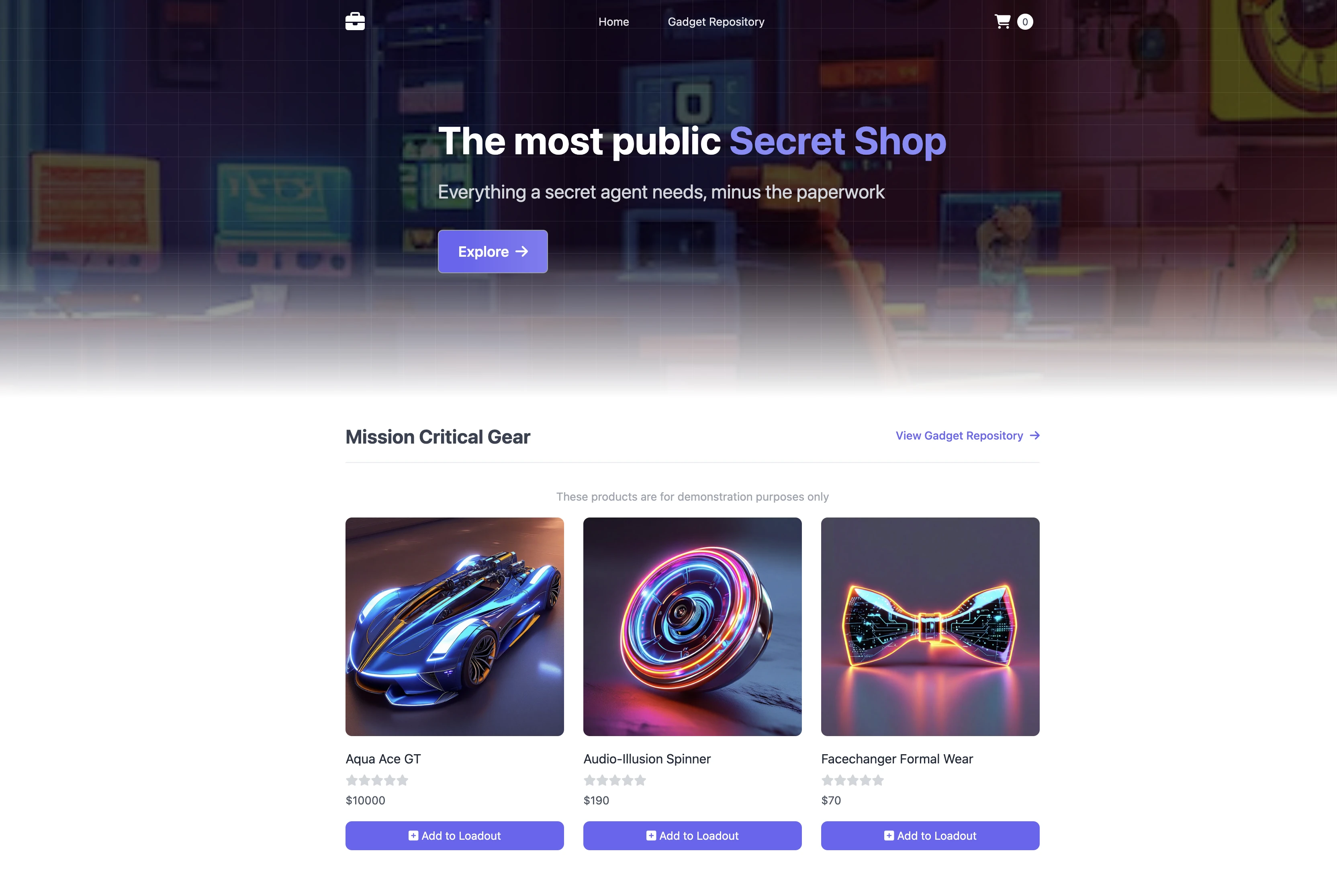
You should now be able to access the retail store UI in your browser through the Gateway-provisioned ALB.